Admissions processes
How to apply to TAFE
Steps to apply via Application Wizard
8 min
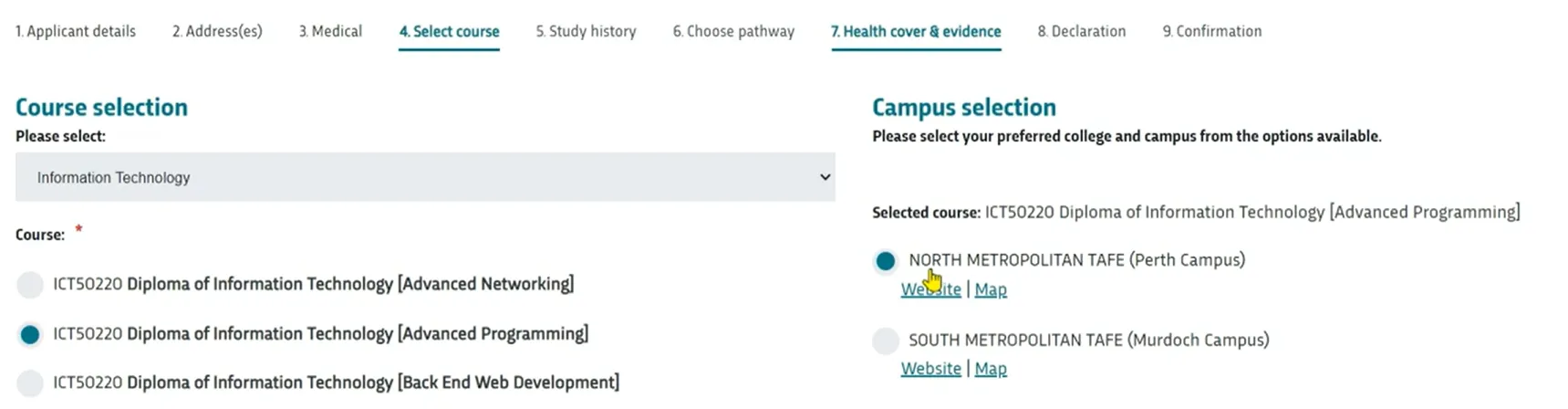
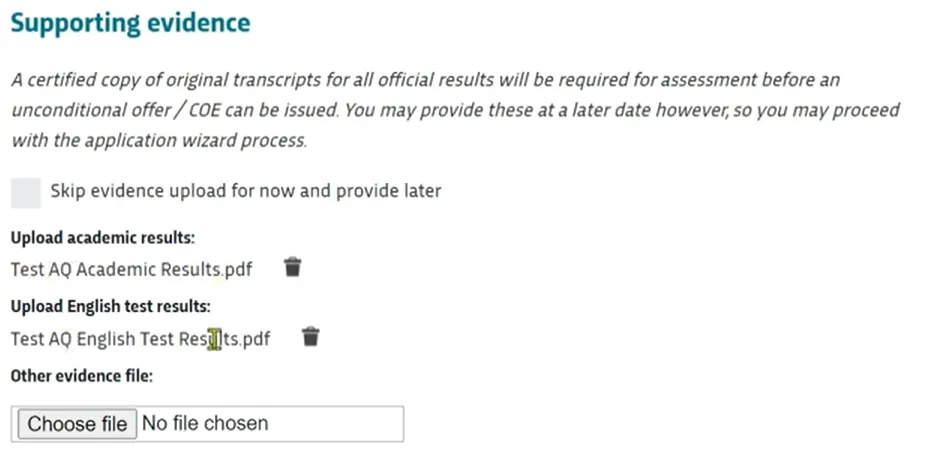
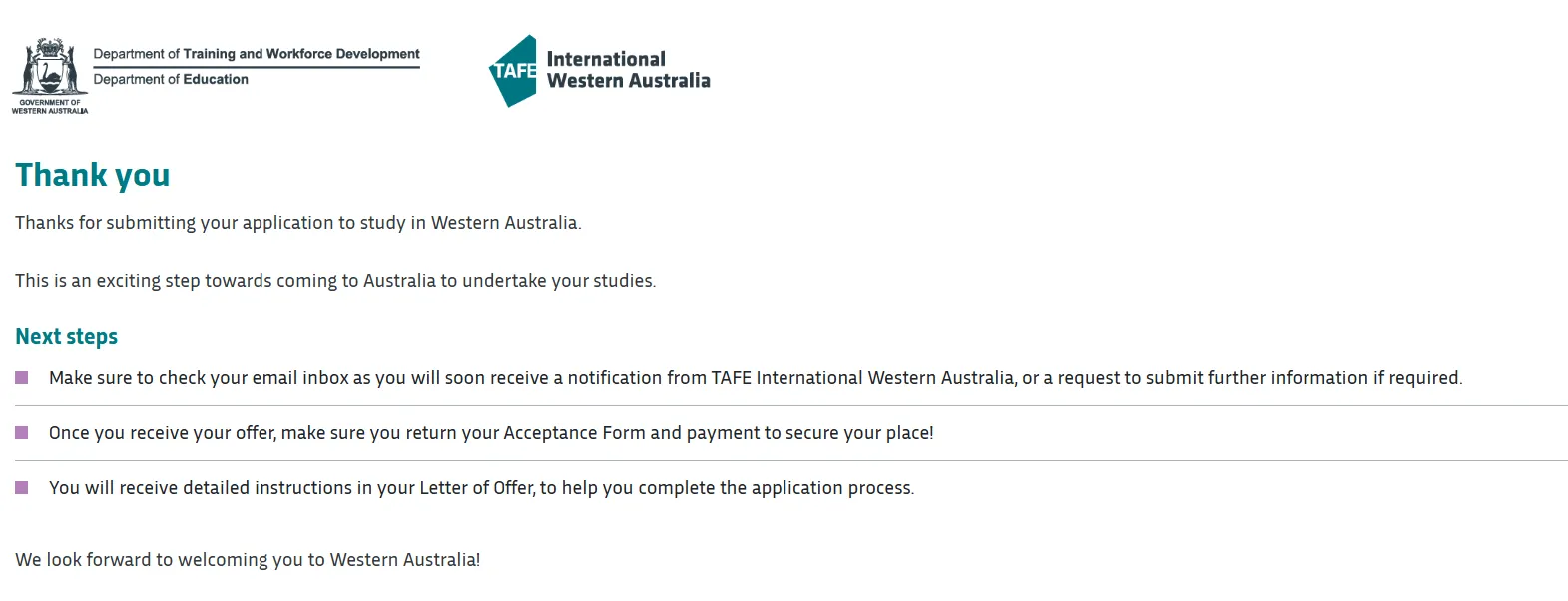
once you have accessed the application wizard (see docid 0 ktck10b0evero9b9xcn ) you are presented with a series of 9 tabs to capture all key student information around their application try and include as much information as possible in your application for the fastest turnaround of your application by tab, a step by step guide tab 1 applicant details enter the student details not your agent details your agency is already tied to the student following successful login click next tab 2 address(es) self explanatory, enter the most appropriate overseas address of the student, and (if onshore) the australian address for the student click next tab 3 medical enter any details, if appropriate, for disability, impariemnt, or long term medical conditions add any details for an emergency contact for the student tab 4 select course (destination) select the destination (final, highest level) course the student wishes to study in their proposed pathway at tiwa as an example if a student is intending to study a certificate iv followed by a diploma, then you would select the diploma at this step once the course is selected, choose the preferred campus available for that course click next tab 5 study history self explanatory, based on the student's study history and their academic level and english level depending on the country in the student's passport, the academic equivalencies for australian year 10, 11, or 12 will be represented for you to select proof the student meets this level must be provided if english is required for the student, an estimate will be provided for an elicos+tafe package tab 6 choose pathway look through the available pathways and choose one that suits the intake, year, campus, and course that meets the students' needs once selected, choose next at the bottom of the page tab 7 health cover & evidence health cover this is mandatory tiwa does offer competitive rates for overseas student health cover (oshc) through an agreement with the insurer bupa you can choose this option for the student by nominating tiwa to arrange oshc for you most students choose this option alternatively the student can arrange their own oshc, and provide details supporting evidence upload all supporting evidence here including proof of avademic results, english results, and any other evidence or documentation (eg tgs form, or additional evidence) it is recommended to provide as much information as possible here to ensure a speedy turnaround for the pplication it is also possible to choose to skip providing this now and provide via email later, but this will extend the application duration tab 8 declaration review all terms and conditions complete the application click next tab 9 confirmation this final tab/page confirms your application was submitted and recieved you will also be sent an email to confirm this