
How to access Application Wizard
3 min
- Finding the Application Wizard
The Application WIzard can be accessed directly, or found in the header from the TAFE International WA website:

- Logging into the Application Wizard
- Select "I am an agent":

- If you have a login and password (longer-term agent), select "I have an account" and enter your login email address and password. If you don't know these, please contact your relevant Regional Manager via Regional teams or [email protected] and await further instructions.
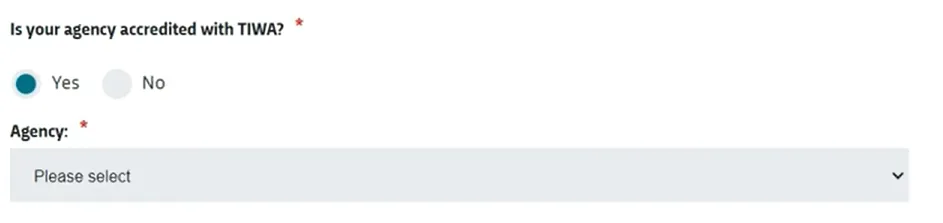
- If you don't have an account (new agent, or new agent office), select "Create an account" and then select "Yes" when asked if your agency is accredited with TIWA, then choose your agency via the dropdown:
- Choosing the right application type
- Select the type of application you are submitting, whether that's a TAFE course, TAFE to University package (aka TAFE to Degree package), or WA Government schools application:

- Then click "Begin application"