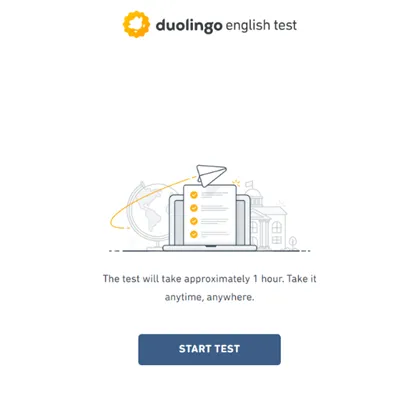
Applying a coupon code
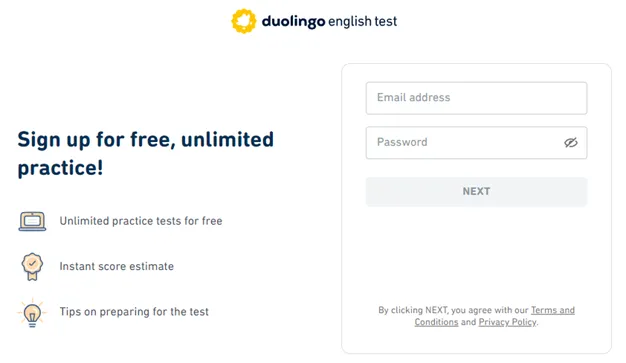
1.Student to log in or sign up to the Duolingo English Test using the Student email address that was sent the invite coupon.
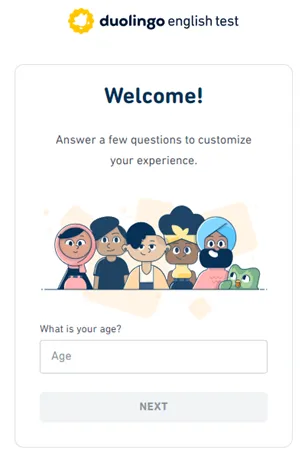
2. Student to answer some initial questions from Duolingo prior to the test starting.
Student enters age, then selects “None of the above” when asked for their English test reason, then clicks “NEXT”.
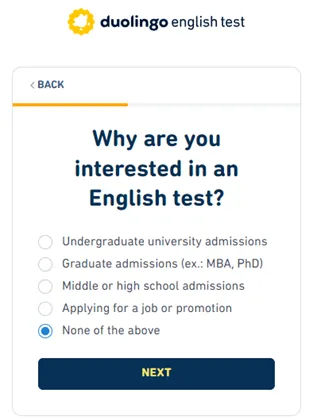
3. Student selects “None of the above” when asked for their English test reason, then clicks “NEXT”.
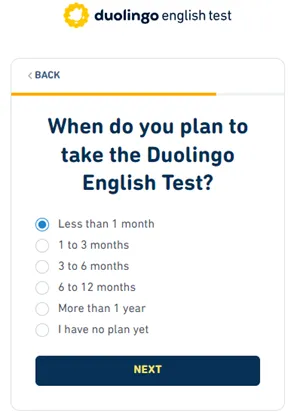
4. Student selects “Less that 1 month” when asked when they plan to take the Duolingo English Test, then clicks “NEXT”.
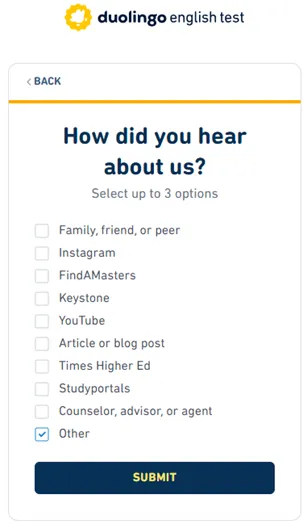
5. Student selects “Other” when asked How did you hear about us, then clicks “SUBMIT”.
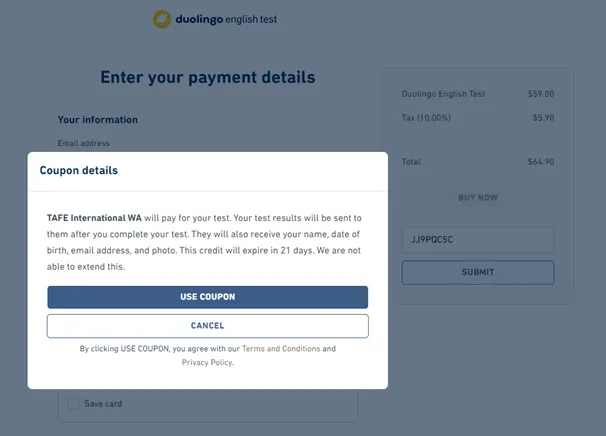
6. A popup overlay should appear confirming that TAFE International WA will pay for the test along with other specifics. Click “USE COUPON”
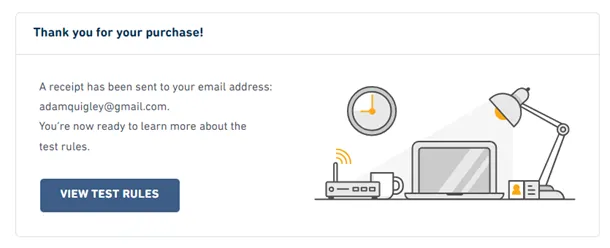
7. A confirmation page will appear showing that the purchase was successful.
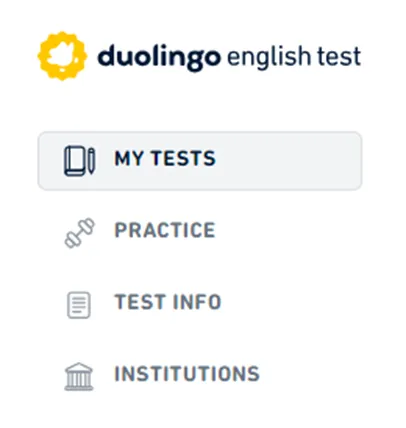
8. Student can click “MY TESTS” on left navigation.
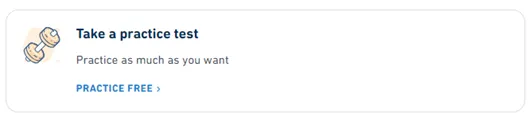
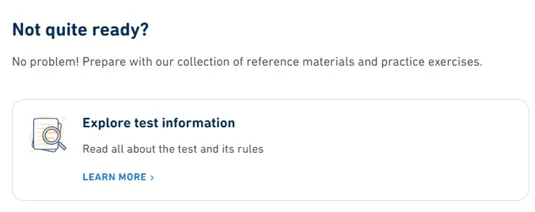
9. The student has the opportunity to prepare prior to the test by learning more about the test rules (Explore test information) or taking a practice test.
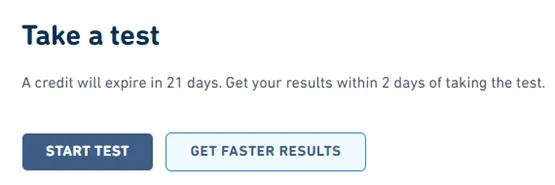
10. When you are ready to start your test, click START TEST.
The coupon will not work if you click “GET FASTER RESULTS” so only click START TEST.
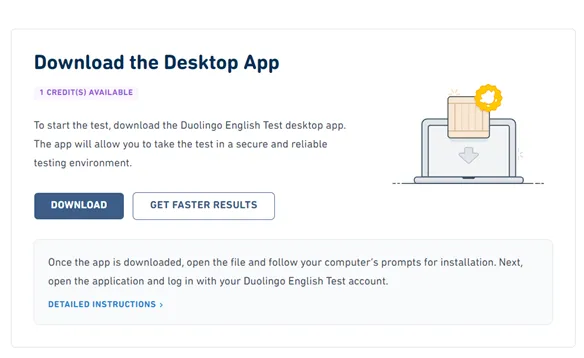
11. You will be prompted to download the Desktop App in order to take the test in a secure and reliable testing environment.
Detailed instructions are included on this page via the blue link under the buttons.
12. When installed, you are asked to login using the same details and are invited to START TEST.